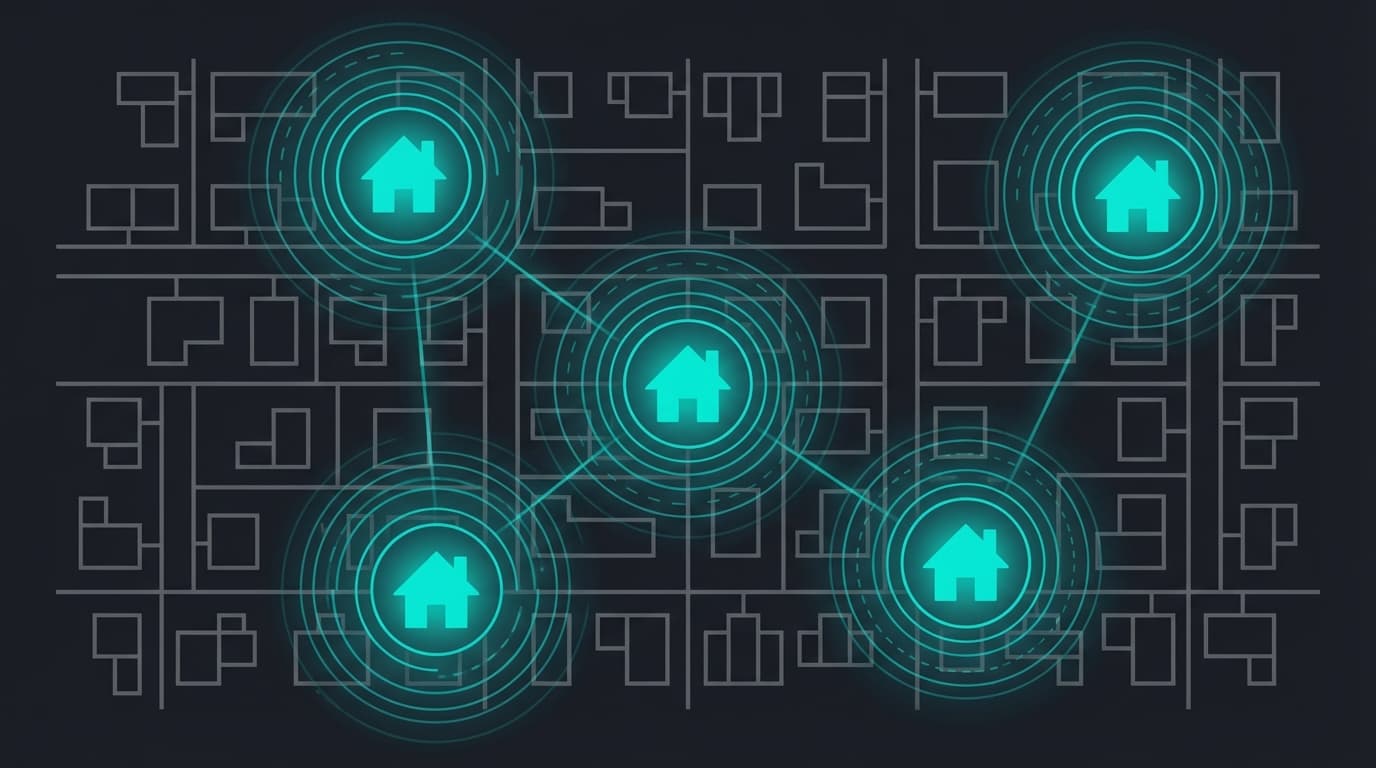
How to Target Specific Homes with Digital Ads
The most common question agents ask when they hear about programmatic advertising is: "Can I actually target specific homes with digital ads?"
The answer is yes. Not zip codes. Not neighborhoods. Not "people interested in real estate." Specific street addresses, matched to the devices inside those homes, with ads delivered across the internet.
This isn't theoretical. The technology has existed at the enterprise level for years, powering campaigns for national brands and political organizations. What's changed is accessibility. Individual real estate agents can now use the same address-level targeting that Fortune 500 companies use, at a price point that fits a single-agent marketing budget.
Here's how it works, step by step, and how to set up your first campaign.
The Technology Behind Address-Level Targeting
Targeting specific homes with digital ads relies on a process that connects physical addresses to digital devices. There are several methods used in the industry, and understanding them helps you evaluate what your advertising platform actually delivers.
Addressable geofencing is the most precise method. It works by converting street addresses into GPS-defined boundaries that follow the property lines of each home. Using plat line data (the legal boundaries of a property, typically sourced from county tax records), the system creates a tiny digital fence around each address on your list.
When a device with GPS-enabled apps is detected within those property boundaries, it gets tagged as belonging to that household. From that point forward, your ads can follow that device across the internet. Mobile phones, tablets, laptops, and even connected TVs associated with the household all become reachable.
Match rates for addressable geofencing typically hit 85% to 95% of uploaded addresses, meaning a list of 200 homes will resolve to approximately 170 to 190 targetable households.
IP-based targeting is another method that matches physical addresses to the IP addresses used by household internet connections. This was more common in earlier programmatic campaigns, but it has limitations. IP addresses can be dynamic (changing over time), shared by multiple households (in apartment buildings, for example), or obscured by VPNs. Modern address-level platforms have largely moved toward GPS and device-graph approaches for better accuracy.
Device graph matching combines multiple data signals (GPS coordinates, Wi-Fi networks, registration data, and app usage patterns) to build a profile of which devices belong to which household. This cross-referencing creates a more complete picture than any single data source alone.
The bottom line: when you provide a list of addresses, the platform identifies the digital devices in those homes and serves your ads to those devices. The homeowner opens their phone, scrolls a news site, checks the weather, or watches a streaming app. Your ad appears.
Step 1: Build Your Target Address List
Every household-level campaign starts with a list of addresses. The quality of your list determines the quality of your campaign.
Where to get addresses for your farm:
County assessor records. Most county assessor websites let you search by neighborhood, subdivision, or map area. You can download or export property addresses, often with additional data like home values, lot sizes, and owner names.
MLS data. Your MLS can provide addresses within a geographic area. Filter by status (active, sold, expired) to build lists based on market activity.
Walking or driving your farm. Sometimes the best list starts with local knowledge. Drive the streets you want to farm and build your list from the addresses you see. This is especially useful for farms with natural boundaries (a specific subdivision, a street grid, or a community with clear entry points).
Your CRM. If you already have contacts in your farm area, start there and build outward.
Tips for building a strong list:
- Target homes, not apartments or commercial properties (unless that's your niche)
- Focus on contiguous areas rather than scattered addresses across a city
- Start with 100 to 300 homes for your first campaign. You can expand later.
- Keep your list as a simple CSV with columns for street address, city, state, and zip code
Step 2: Choose Your Targeting Platform
Not all advertising platforms offer true address-level targeting. Here's how the major options compare:
Facebook and Instagram Ads allow geographic targeting by zip code, city, or radius. You cannot upload a list of specific home addresses and target only those households. Facebook's targeting is interest and behavior-based, not address-based.
Google Ads offers radius targeting and zip code targeting, plus keyword-based search ads. Like Facebook, it does not support household-level address targeting for display campaigns.
Programmatic display platforms with addressable geofencing capability are where true household targeting lives. These platforms use DSPs (demand-side platforms) to buy ad space across the open internet and serve ads specifically to the devices in your target households. Platforms built for real estate, like VeryTargeted, simplify this process so agents don't need to operate a DSP directly.
Direct mail platforms target addresses by definition (you mail a postcard to a physical address), but the delivery is physical, not digital. One touchpoint per send, no frequency compounding, and no digital reporting.
The key distinction: if a platform lets you upload specific street addresses and serve digital ads exclusively to those households across the internet, it's offering genuine household-level targeting. If it asks you to pick a zip code or interest category, it's something broader.
Step 3: Set Up Your Campaign
Once you have your address list and platform selected, campaign setup follows a predictable path:
Upload your address list. Your platform processes the addresses, matches them to household device profiles, and reports back how many homes are targetable. Expect 85% to 95% match rates in most residential areas.
Choose your frequency tier. How many impressions per household per month do you want? Common tiers:
- Standard: ~160 impressions/household/month ($1 to $2 per home)
- Enhanced: ~320 impressions/household/month ($3 to $4 per home)
- Premium: ~480 impressions/household/month ($5 to $6 per home)
Higher frequency creates faster recognition. For a first campaign, the enhanced tier offers a good balance of presence and budget.
Supply your creative assets. Your ads need to be designed in standard display sizes. Common formats include:
- 300x250 (medium rectangle, appears in article sidebars)
- 728x90 (leaderboard, appears at the top of pages)
- 160x600 (wide skyscraper, appears in page margins)
- 320x50 (mobile banner)
- 300x600 (half-page, high-impact format)
Most platforms provide creative design as part of their setup, or you can supply your own. Your ads should feature your photo, name, brokerage, and a clear value proposition. Keep the design clean and readable at small sizes.
Set your budget and launch date. With per-home pricing, your budget is predictable. 200 homes at $3/home = $600/month. No surprises, no variable auction costs to worry about.
Step 4: What Happens After Launch
Once your campaign is live, here's what the homeowners in your farm experience:
Day 1 to 7: Your ads begin appearing across the internet on the websites and apps your target households use. News sites, weather apps, recipe blogs, sports sites, streaming platforms. Wherever there's programmatic ad inventory, your ad can appear.
Week 2 to 4: Frequency builds. Each household starts accumulating impressions. At the enhanced tier, each home sees your ad roughly 10 times per day across their collective devices.
Month 2 to 3: Recognition kicks in. This is typically when agents start hearing "I see you everywhere" from homeowners in their farm. The compounding effect of hundreds of impressions starts producing genuine awareness.
Month 3 and beyond: Your ads become part of the digital landscape for your farm. Homeowners see your name and face consistently, building the kind of top-of-mind awareness that previously required years of door knocking and postcard campaigns.
Throughout this process, your platform delivers reporting. You should be able to see:
- Total impressions delivered
- Impressions per household
- Device-type breakdown (mobile, desktop, tablet, CTV)
- Geographic delivery confirmation
- Creative performance (if running multiple ad versions)
Step 5: Measure and Optimize
Digital farm marketing is measurable in ways that print never was. Here's how to evaluate your campaign:
Impression delivery. Are you hitting your target frequency? If your enhanced campaign should deliver 320 impressions per home per month, check that the numbers match. Shortfalls may indicate targeting issues or inventory availability in your area.
Frequency distribution. Look beyond averages. Is frequency roughly even across your list, or are some homes getting 500 impressions while others get 50? Uneven distribution suggests some households have more active devices than others, which is normal, but extreme skew is worth investigating.
Anecdotal feedback. Track every time a homeowner or contact in your farm mentions seeing your ads. These mentions are informal but powerful signals that the campaign is building recognition. Keep a simple log with the date, who mentioned it, and what they said.
Pipeline impact. Over 6 to 12 months, track listing appointments and listings taken from your farm area. Compare this period to the same period before your campaign launched. This won't be a perfect scientific study, but directional data is better than no data.
Creative fatigue. If impression volume stays consistent but you stop hearing feedback or seeing engagement, your creative may be stale. Most platforms recommend refreshing ad designs every 3 to 4 months to keep the visuals fresh.
Common Mistakes to Avoid
Starting too large. Targeting 1,000 homes on day one spreads your budget thin and makes it harder to reach meaningful frequency. Start with 100 to 300 homes in your highest-priority area.
Expecting immediate listings. Address-level digital ads build awareness. Awareness influences decisions over time. Most agents see pipeline impact at 6 to 12 months, not 30 days. If you're expecting leads within a week, this is the wrong tool for that goal.
Ignoring creative quality. Your ad represents you to thousands of impressions per month. A blurry photo, cluttered design, or unclear message wastes every single impression. Invest in clean, professional ad creative from day one.
Not tracking results. If you launch a campaign and never check reports or log homeowner feedback, you've turned a measurable marketing channel into another black box. The entire advantage of digital is accountability. Use it.
Choosing the wrong homes. Target homes where you actually want to farm. Homes you'd want to list. Neighborhoods where you have (or want to build) expertise. Random address lists don't create the geographic expertise that wins listing appointments.
What This Looks Like in Practice
An agent decides to farm a 250-home subdivision. She pulls addresses from county records, uploads them to her programmatic platform, and launches an enhanced campaign at $3 per home per month.
Month one cost: $750 plus a $150 setup fee.
Within 30 days, each household sees her ad approximately 320 times across their devices. By month two, a neighbor at her daughter's soccer practice mentions, "I keep seeing your ads." By month three, she gets a call from a homeowner in the subdivision asking for a CMA.
Did the ad cause the call? Maybe. Maybe the homeowner was already thinking about selling. But the consistent visibility made this agent the first call, not the second or third.
That's the compounding power of targeting specific homes with digital ads. Not magic. Just consistent, measurable presence in front of the exact audience that matters.
Results vary based on market conditions, farm area characteristics, and campaign duration. The scenario above is illustrative and should not be interpreted as a guaranteed outcome. Evaluate campaign performance based on your specific market and goals.
Frequently Asked Questions
Is targeting specific homes with digital ads legal?
Yes. Address-level targeting uses the same type of geographic and device data that powers navigation apps, weather services, and delivery platforms. No personally identifiable information (like names or emails) is required. The targeting is based on device location relative to a physical address, not on personal data.
How many homes can I target at once?
Most platforms support campaigns from 100 homes up to tens of thousands. For individual agents, the practical sweet spot is 100 to 500 homes. Larger campaigns require larger budgets to maintain meaningful frequency per household.
Will my ads only appear on those homes' devices?
The platform targets devices identified as belonging to your selected households. No system is 100% perfect. Match rates of 85% to 95% mean a small percentage of addresses may not resolve, and occasionally a device may be misidentified. However, the precision is dramatically higher than any zip code, demographic, or interest-based targeting method.
How is this different from retargeting?
Retargeting shows ads to people who have already visited your website. Address-level targeting shows ads to specific households regardless of whether they've ever been to your site. Retargeting is response-based (they found you first). Address-level targeting is proactive (you find them).
Can I change my address list after launching?
Yes. Most platforms allow you to add or remove addresses from your list on an ongoing basis. This is useful as you expand your farm, remove homes that have sold, or refine your targeting based on results.
Ready to target the right households?
Stop wasting ad spend on people who will never list. VeryTargeted puts your brand in front of the homeowners most likely to sell.